Gemini AI Rain Image Prompt Guide: Apni Photo Se Cinematic Rain Images Kaise Banaye
Apni Photo Se Rain AI Image Kaise Banaye?
Aaj ke samay me Gemini AI sirf text prompts hi nahi, balki reference photo ka use karke bhi amazing AI images generate kar sakta hai. Agar aap apni selfie ya portrait photo upload karte hain aur uske saath ek detailed prompt likhte hain, to Gemini AI aapki face identity ko maintain karte hue ek completely cinematic rain scene create kar sakta hai.
Sabse pehle apni ek clear, high-quality photo upload karein. Photo me face clearly visible hona chahiye aur lighting achhi honi chahiye. Iske baad neeche diye gaye prompts ko copy karke Gemini AI me use karein. Prompt me "Use my uploaded photo as the reference face" ya "Keep my facial features exactly the same" jaise instructions zarur add karein, taaki AI aapka chehra preserve kare.
1. Cinematic Rain Portrait
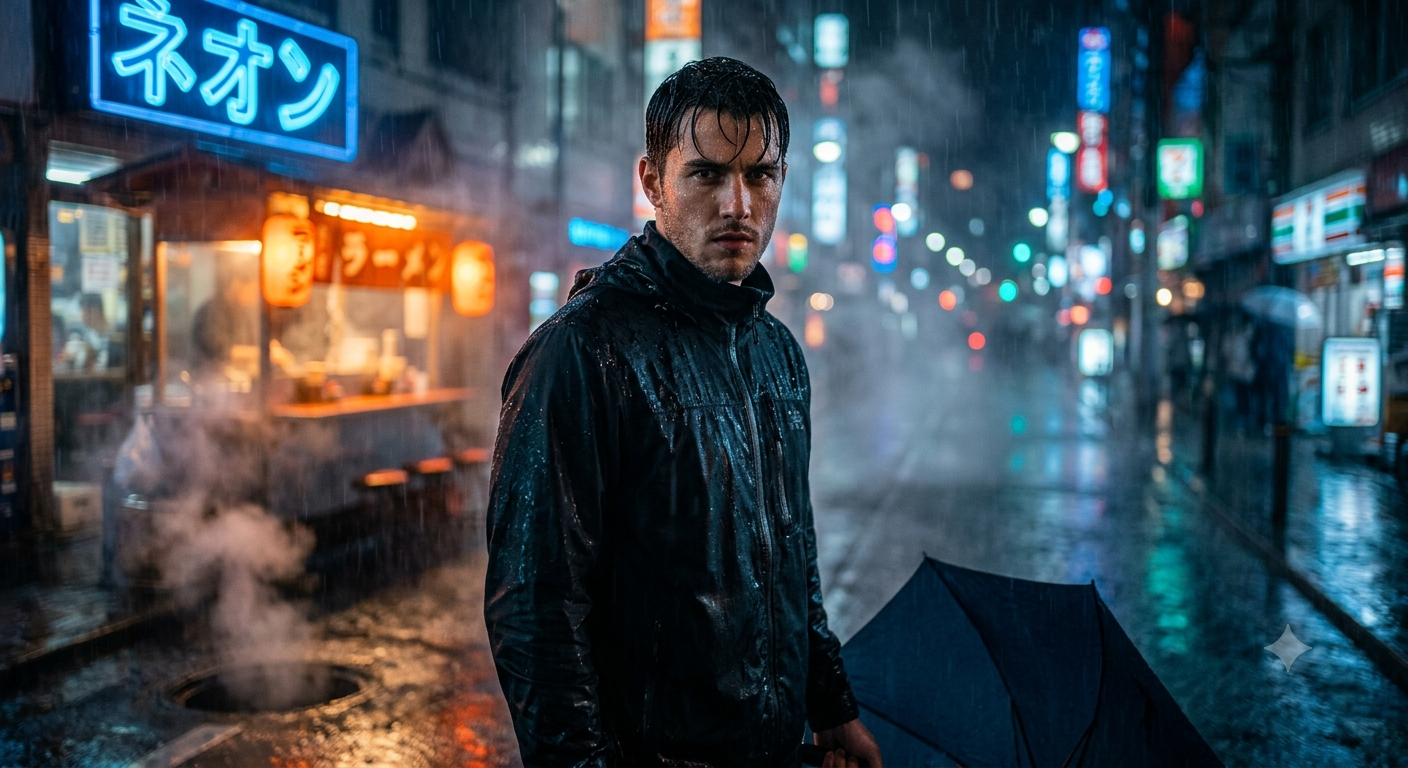
Is image me kya banega?
Is prompt se aapki photo ko ek Hollywood-style cinematic rain scene me convert kiya jayega. Aap heavy rain me khade honge, background me neon lights hongi, sadak geeli hogi aur paani ki reflections image ko dramatic look dengi.
Copy & Paste Prompt
Use my uploaded photo as the reference face. Keep my facial features exactly the same. Transform me into a cinematic hero standing alone in heavy rain on a neon-lit city street at night. Wet hair, realistic water droplets on my face, black jacket, dramatic blue and orange lighting, reflective wet road, volumetric fog, shallow depth of field, DSLR photography, ultra realistic, hyper detailed, masterpiece, 8K.
2. Romantic Rain Scene
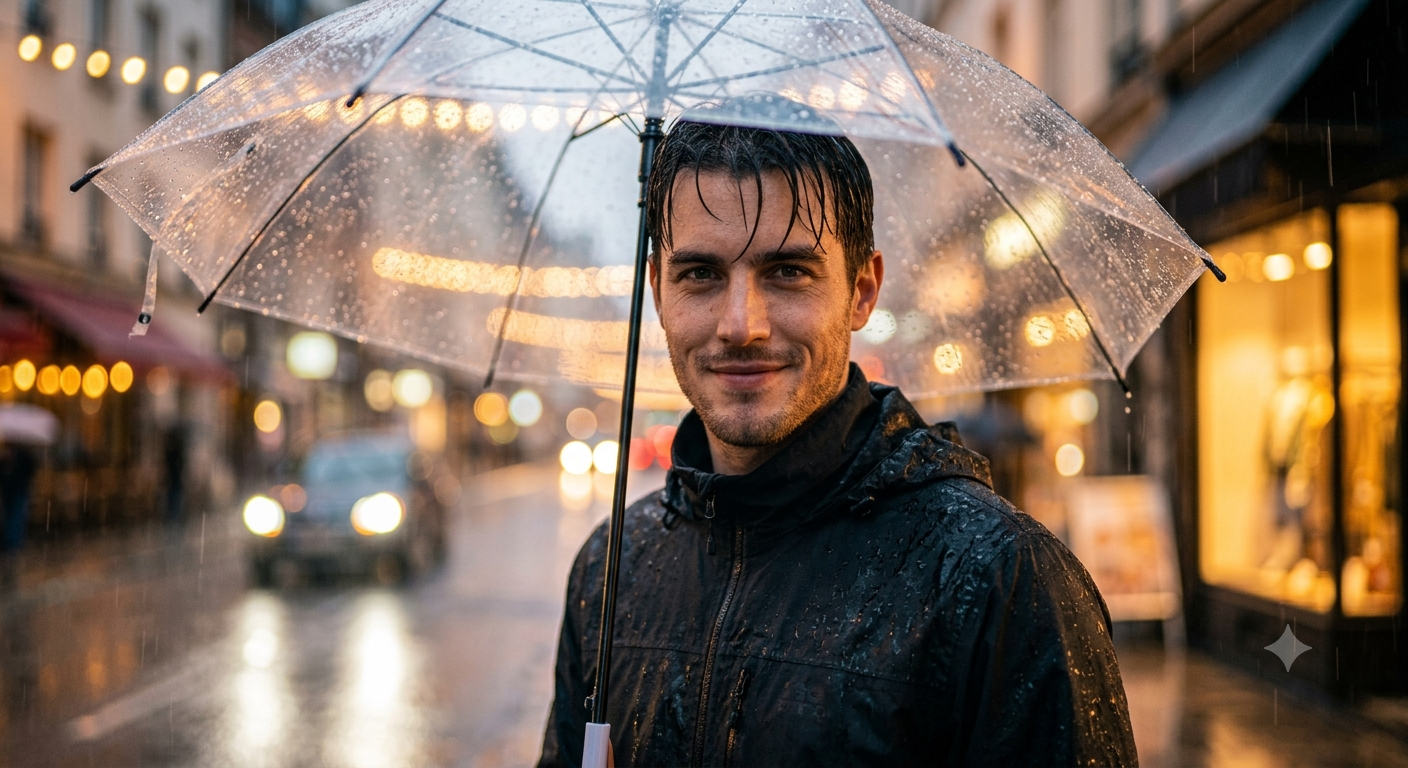
Is image me kya banega?
Aapko ek emotional romantic rain environment me dikhaya jayega. Background soft hoga, sunset lighting hogi aur barish ki wajah se image ka mood bahut cinematic lagega.
Copy & Paste Prompt
Use my uploaded photo as the reference face. Preserve my identity completely. Create a romantic rainy evening portrait with a transparent umbrella, soft golden sunset lighting, realistic rain, beautiful bokeh lights, cinematic composition, photorealistic, DSLR quality, ultra detailed, 8K.
3. Cyberpunk Rain
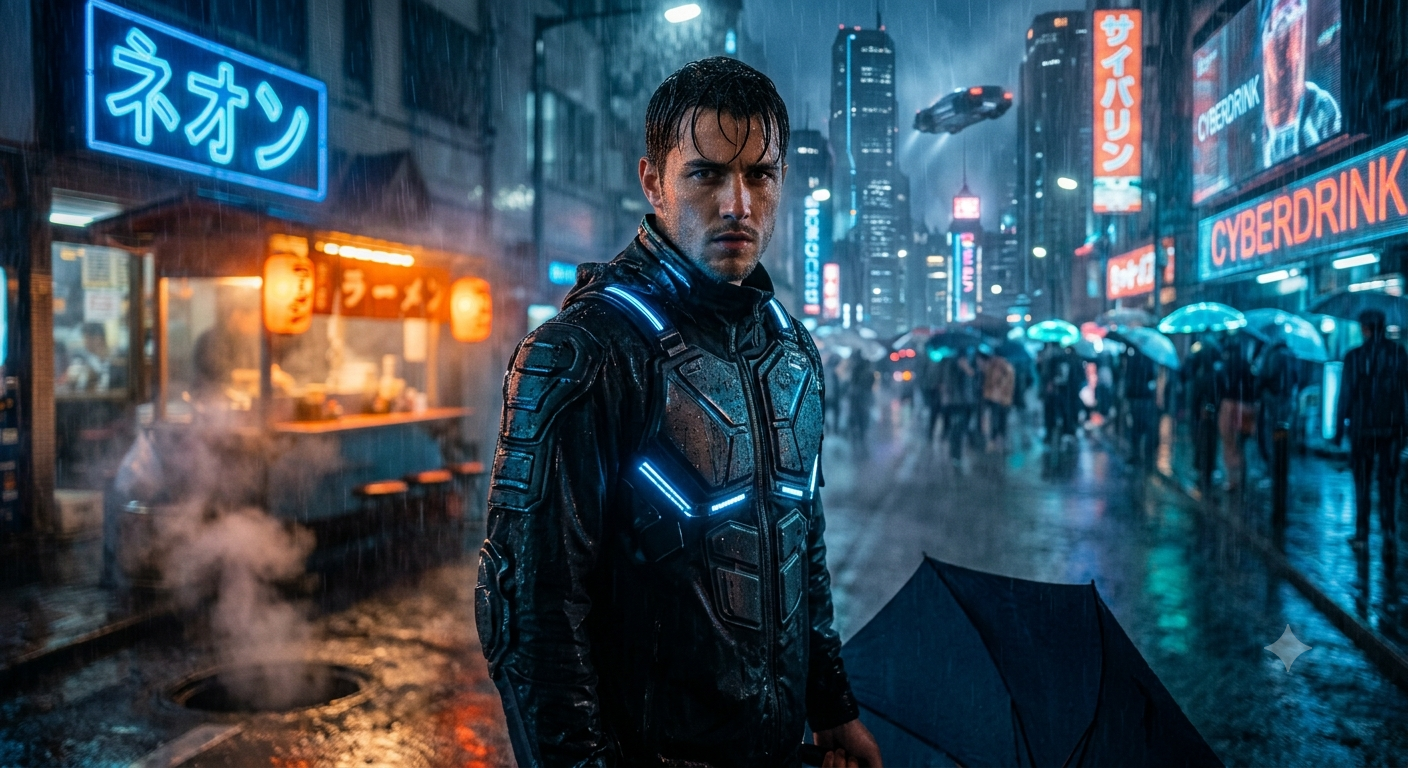
Is image me kya banega?
Aap ek futuristic cyberpunk city me nazar aayenge jahan heavy rain, neon lights aur flying vehicles image ko science-fiction movie jaisa bana denge.
Copy & Paste Prompt
Use my uploaded photo as the reference face. Keep my face unchanged. Transform me into a cyberpunk character walking through a futuristic city during heavy rain. Neon lights, holograms, reflective wet streets, futuristic outfit, cinematic lighting, ultra realistic, Unreal Engine style, masterpiece, 8K.
4. Forest Rain Adventure
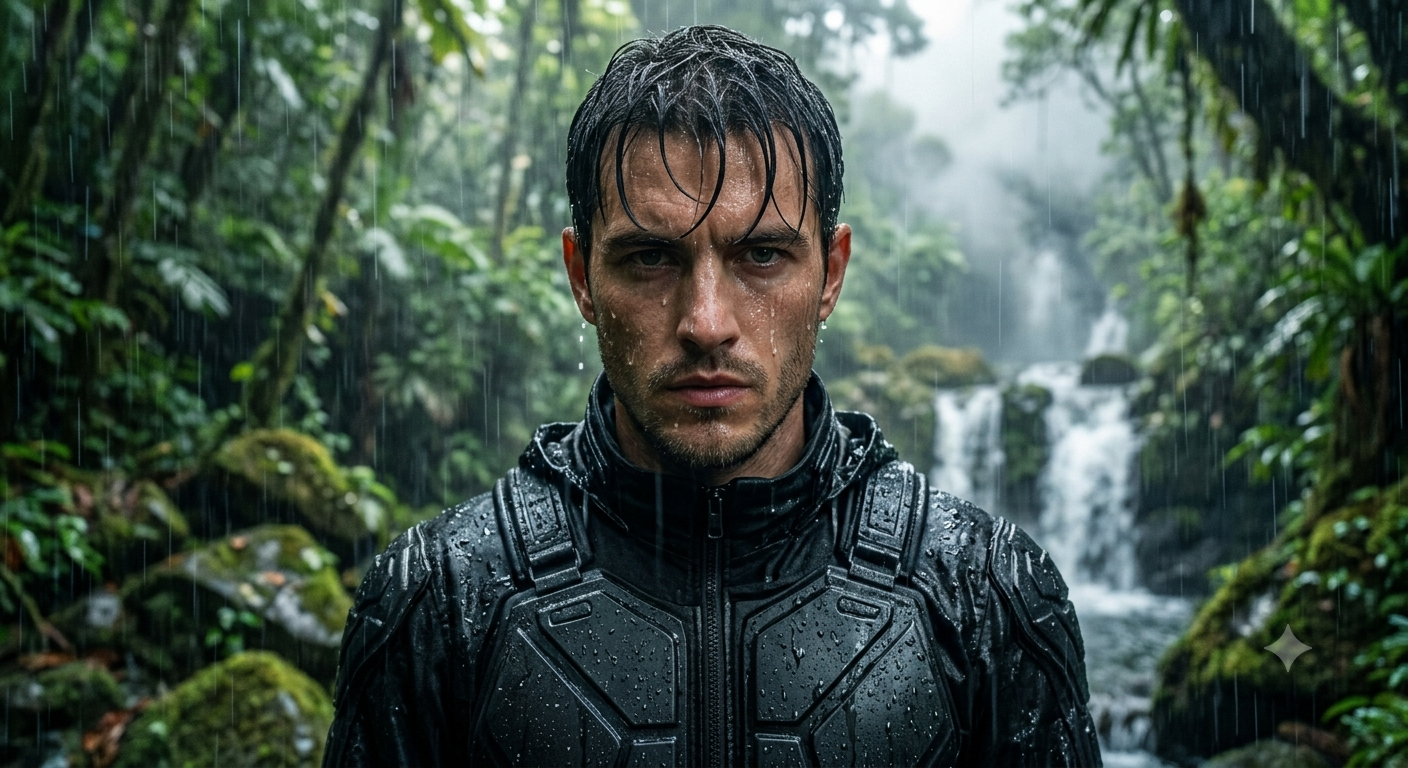
Is image me kya banega?
Aap ghane jungle me barish ke beech khade honge. Green trees, fog aur natural lighting image ko adventurous aur realistic banayegi.
Copy & Paste Prompt
Use my uploaded photo as the reference face. Preserve my identity. Create a realistic rainforest portrait with heavy rain, green forest, mist, waterfalls, cinematic natural lighting, detailed environment, ultra realistic, HDR photography, 8K.
5. Royal Rain Portrait
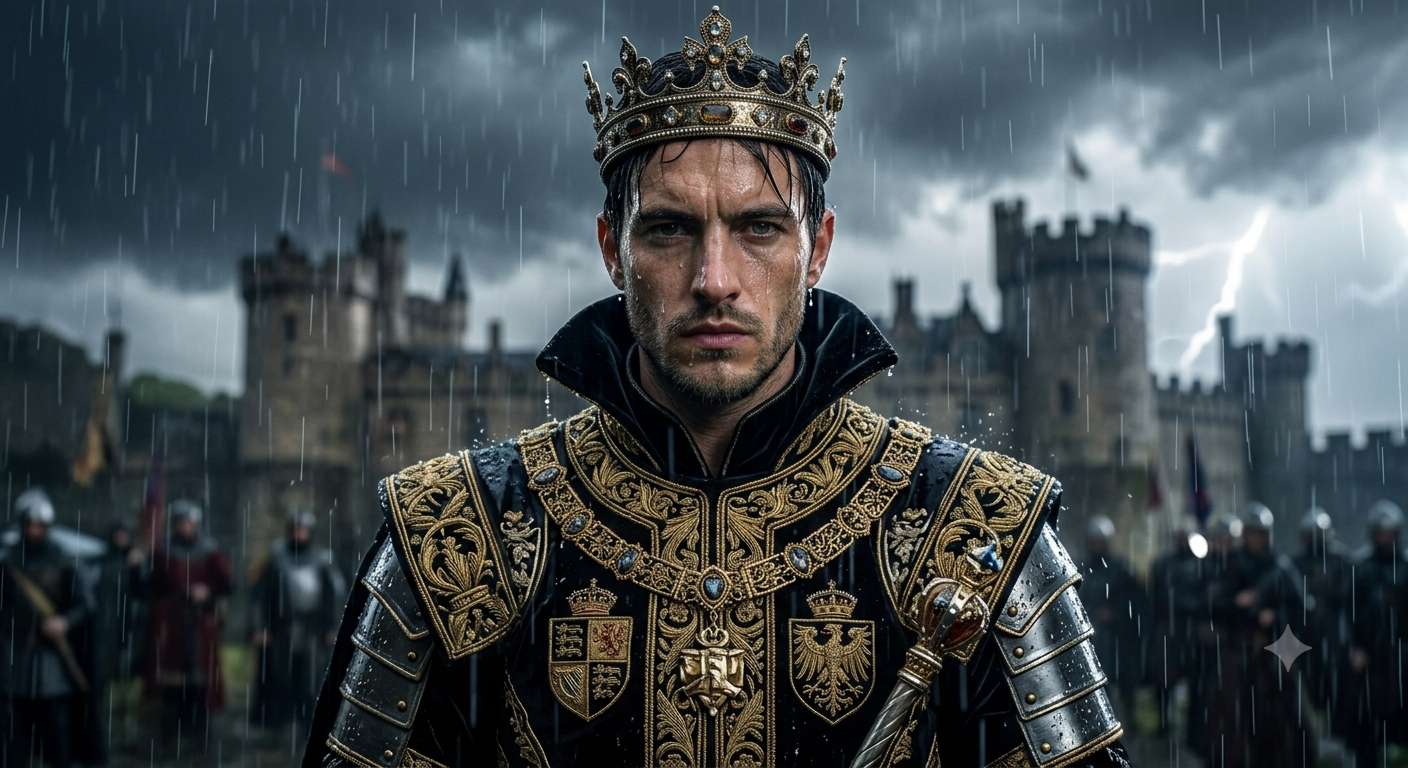
Is image me kya banega?
Aapko ek royal king ke roop me rain environment me dikhaya jayega. Heavy royal costume aur dramatic lighting image ko premium cinematic feel degi.
Copy & Paste Prompt
Use my uploaded photo as the reference face. Keep my facial features exactly the same. Transform me into a royal king standing in heavy rain wearing a luxurious black and gold royal outfit. Dramatic cinematic lighting, realistic rain droplets, epic background, ultra detailed, photorealistic, masterpiece, 8K.
Better Results Ke Liye Tips
Hamesha high-quality selfie upload karein.
Face camera ki taraf hona chahiye.
Prompt me "Keep my facial features exactly the same" zarur likhein.
"Ultra realistic", "Photorealistic", "Masterpiece", "8K", "DSLR Photography", "Cinematic Lighting" aur "Hyper Detailed" jaise keywords add karein.
Agar full-body image chahiye to prompt me "Full body portrait" likhein. Agar sirf face image chahiye to "Close-up portrait" ya "Headshot" likhein.
Conclusion
Reference photo ke saath detailed prompt likhne se Gemini AI aapke original face ko preserve karte hue professional rain images generate kar sakta hai. Upar diye gaye prompts ko aap directly copy karke Gemini AI me use kar sakte hain aur apni photo ko cinematic, realistic aur social-media-ready artwork me badal sakte hain.